Book the car in the shared calendar
A booking is an agreement with the others in the group that the car is yours for that period. The calendar is shared, so everyone can see it — and everyone can see when the car is taken.
The journey from booking to finished trip
Five screens from the app, in the order you meet them.
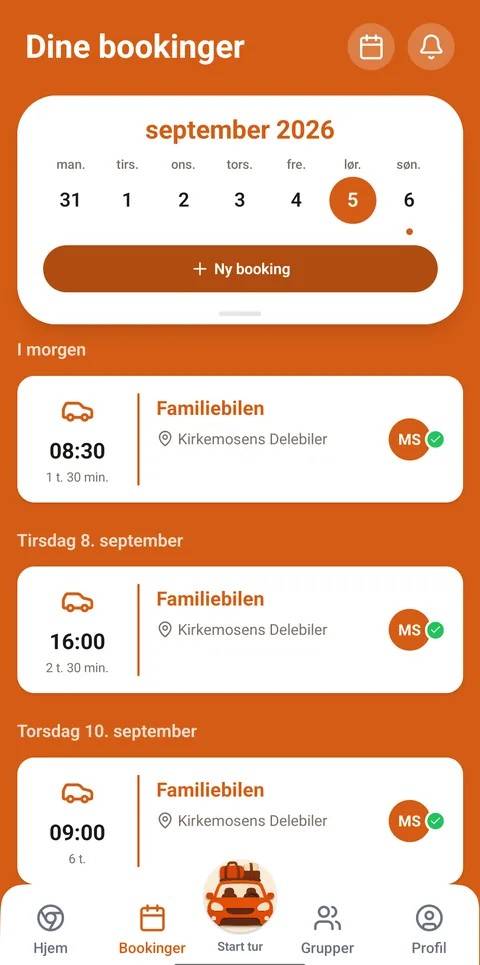
See the group's calendar Bookings are collected in one place. A new booking starts here.
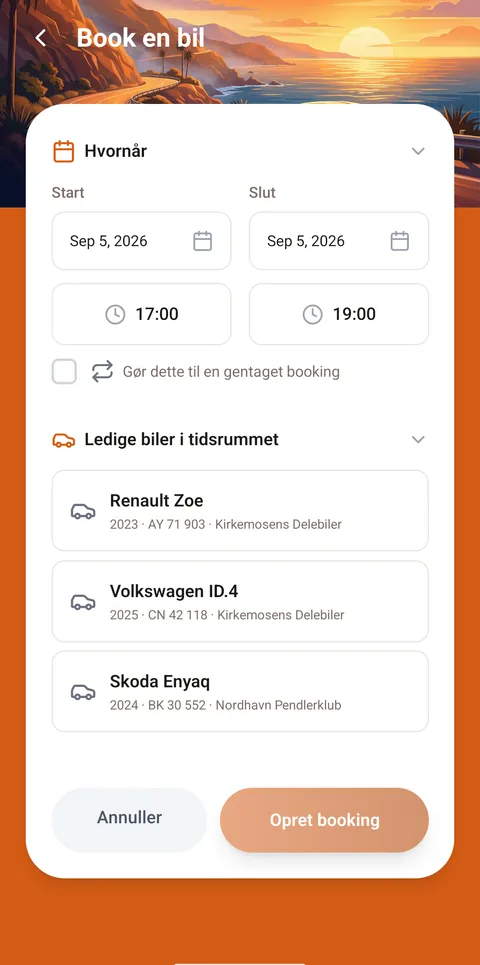
Choose car and period The cars free in that period are listed below, so you can see what is left.
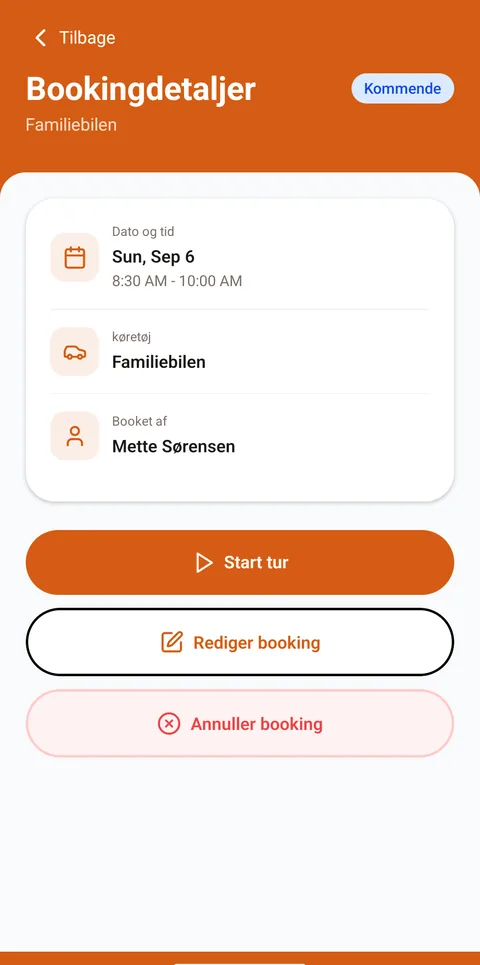
The booking is in the calendar Now the others can see the car is taken. The trip starts from the same screen.
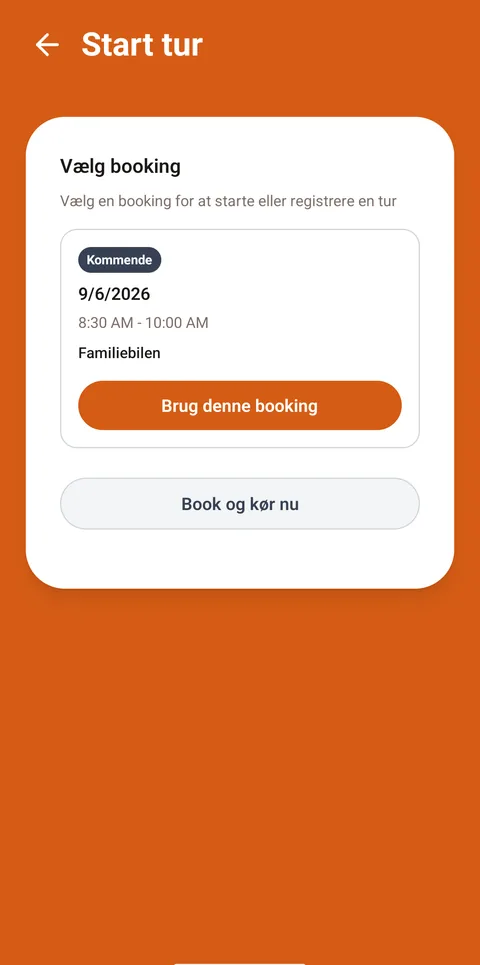
Start the trip at the car Pick the booking you are there for, and start the trip.
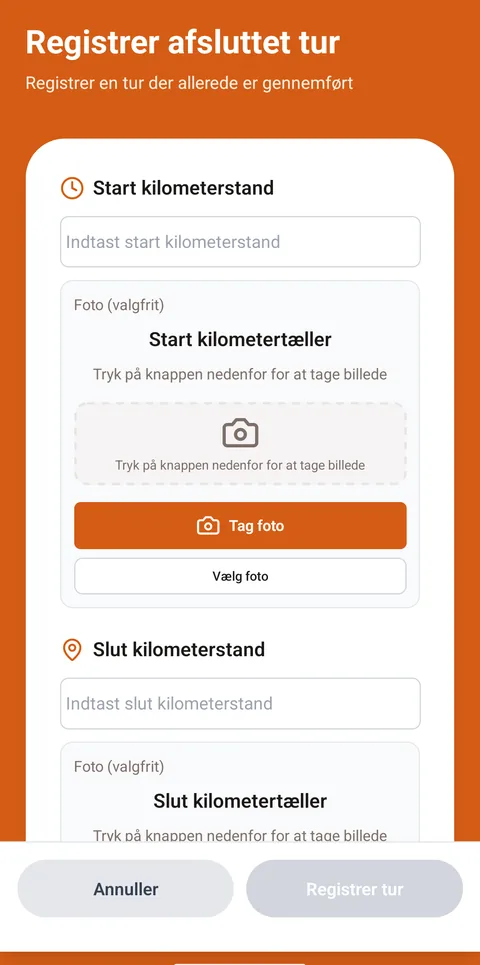
Read the odometer Number and photo at both start and end. Billing is built on those.
How to do it
Choose the car
If you are in several groups, first pick the group the car belongs to.
Choose start and end
Periods where the car is already booked are marked in the calendar.
Confirm the booking
The booking appears in the group's calendar, and the others can see that the car is taken.
What the others can see
The group's upcoming bookings are collected in one place in the app. Your own trips appear afterwards in your trip history, which only you see.
Didn’t find the answer?
Tell us what you were looking for. We fix the guide — and reply if you leave your email.